All preset courses
Unlock every preset rhythm course, from simple quarter notes to syncopation and triplets.
Fun rhythm training for musicians of all levels
Visualize rhythm in Beat Blocks, Staff, or Jianpu mode. Practice curated classics, create your own patterns, and build timing skills through interactive play.


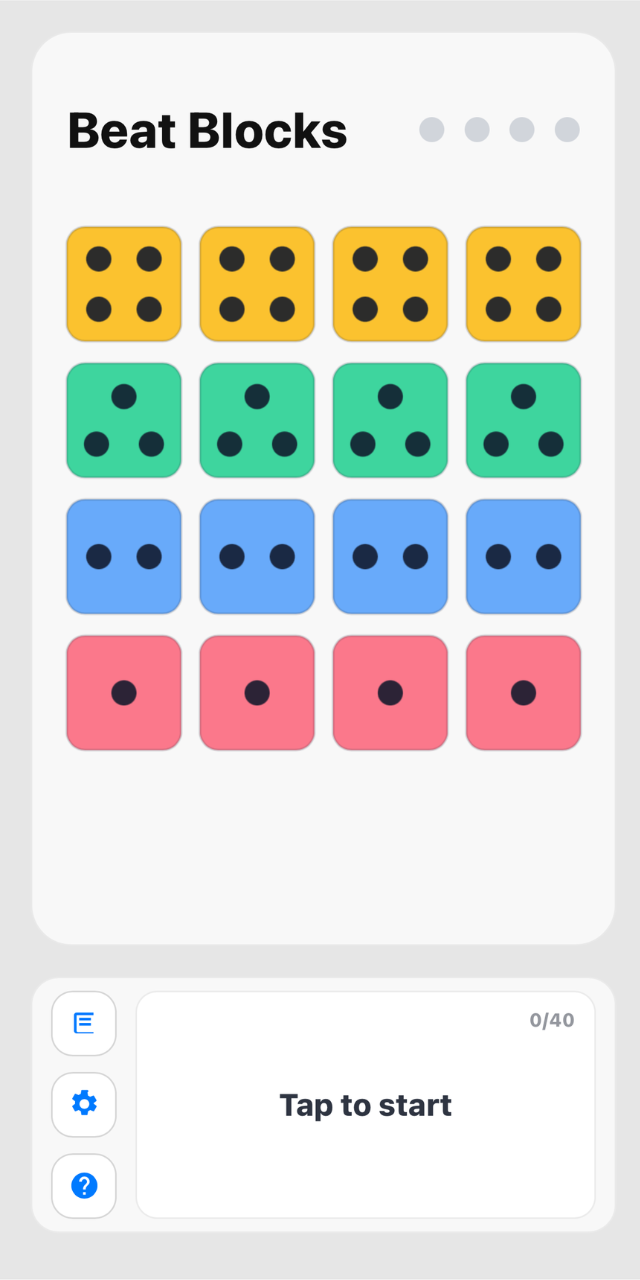
Every musician reads rhythm differently. Beat Blocks gives you four visualization modes so you can choose the learning path that feels natural.
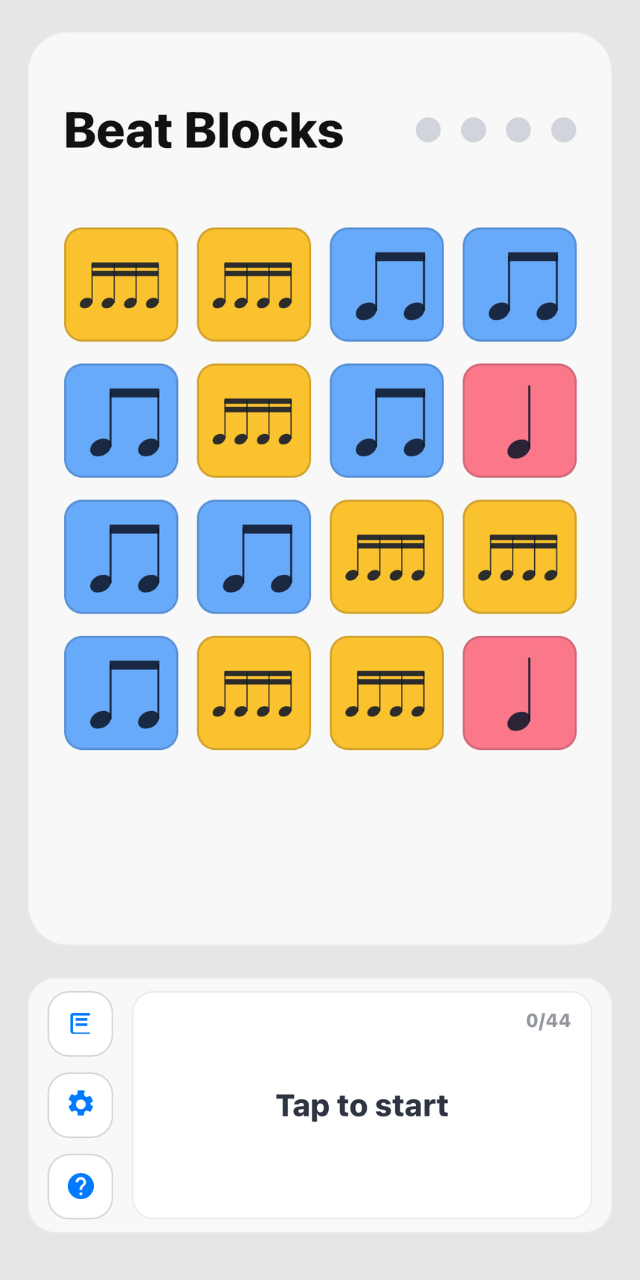
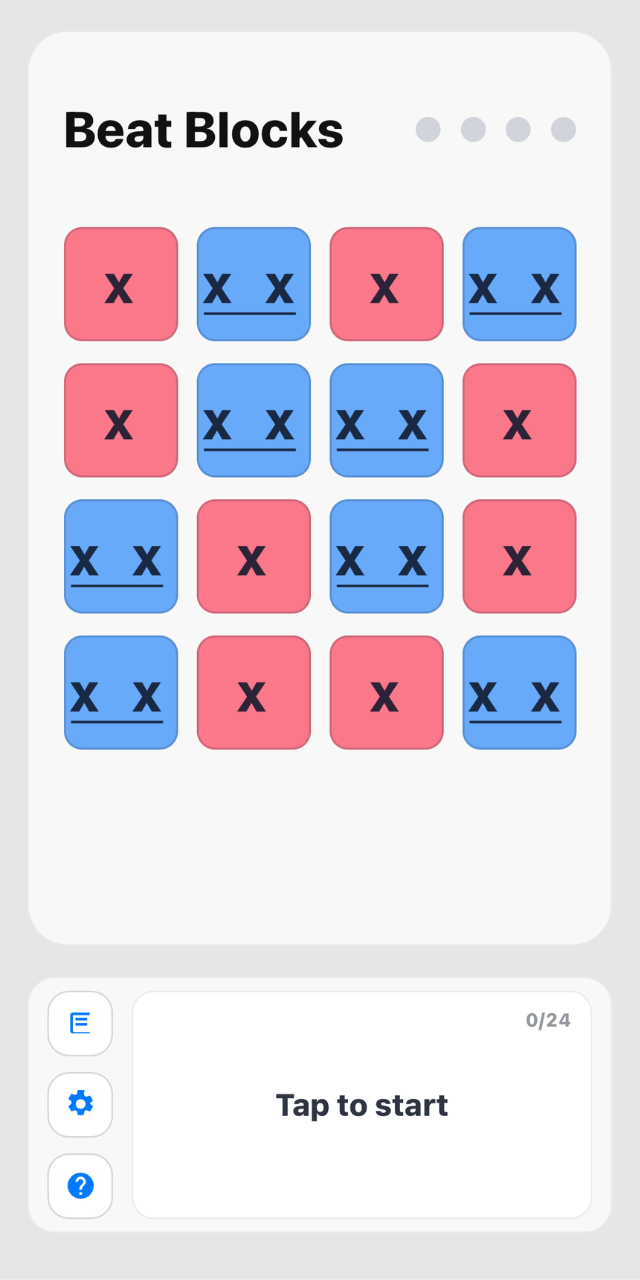
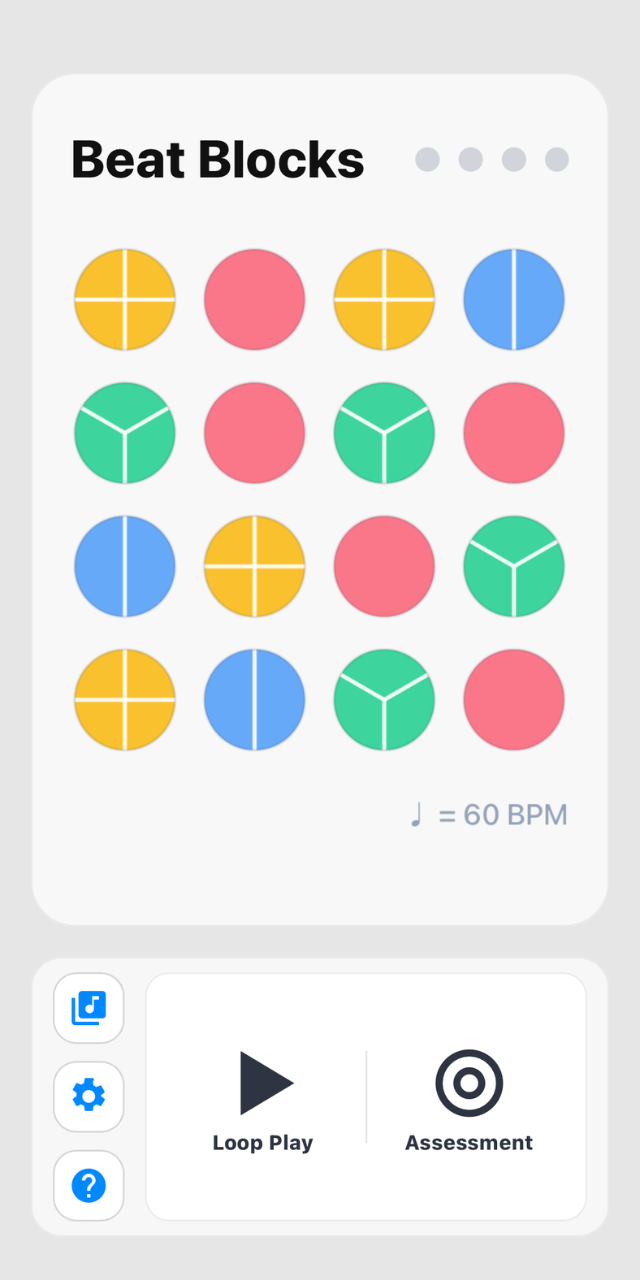
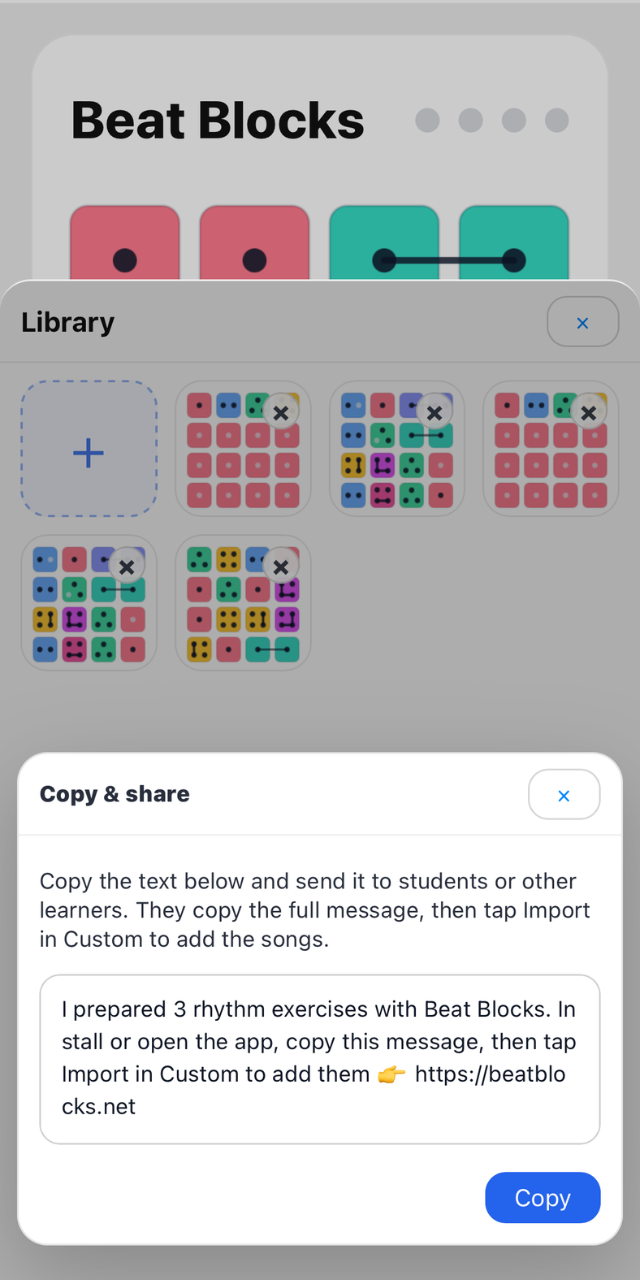
Beat Blocks gives a whole class the same starting point. Follow a course path grouped by rhythm topic, then hand any practice set to everyone as a single snippet of text, with no logins and no setup.
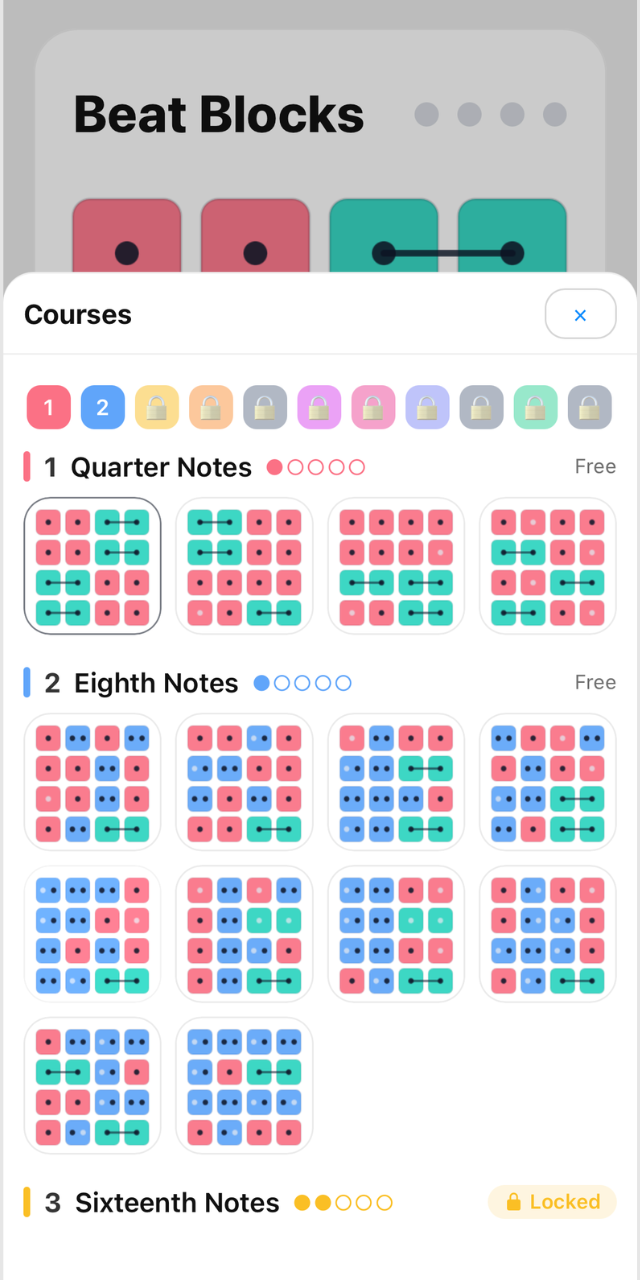
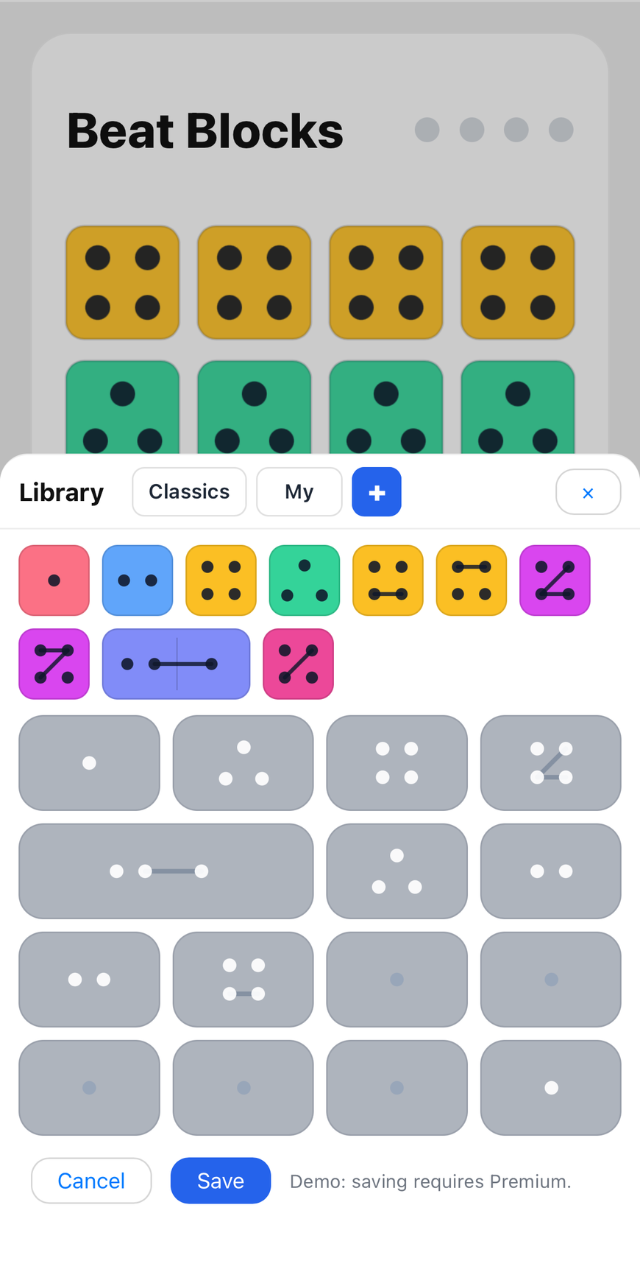
Design any rhythm in the custom editor, keep it beside the curated samples in one library, then fine-tune exactly how each session looks and sounds.
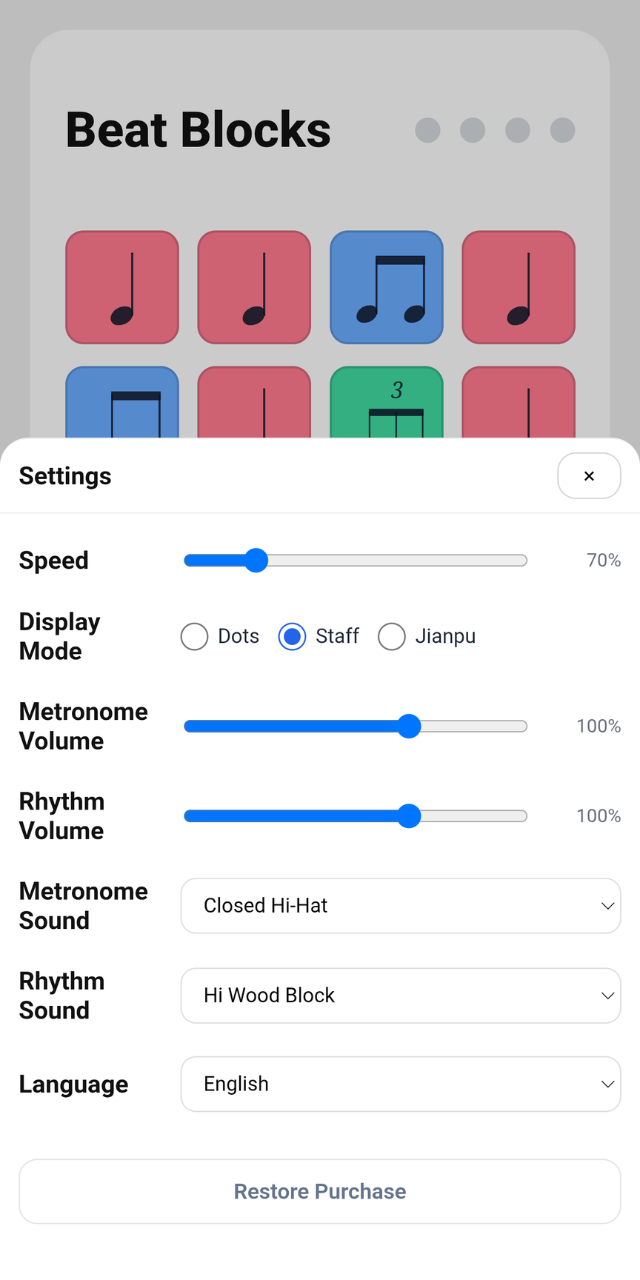
Turn rhythm reading into something visual and hands-on.
Build a set once, then share it to the whole class with a single tap.
Capture rhythmic ideas before they disappear.
Play with rhythm without turning it into homework.
Contact and support
Questions, purchase issues, sound problems, or rhythm editor feedback can be sent directly to our support team.
We aim to respond within 24-48 hours during business days.
Use the same Apple ID or Google account that made the original purchase, then open Beat Blocks and use the restore purchase option. If it still does not unlock, email us with your store platform and approximate purchase date.
No. Full Access is a one-time unlock with no subscription, no ads, and no other in-app purchases. It unlocks every preset course plus unlimited playback of your own creations.
Check your device volume, silent mode, Bluetooth output, and the metronome and rhythm volume settings inside Beat Blocks. If the issue continues, restart the app and include your device details when contacting support.
Yes. Open the library, tap the add option, build a custom rhythm, and save it to your personal practice library.
In the Custom Library, tap Share to turn your selected exercises into a single text snippet, then send it through any chat, email, or class assignment system. Students copy the full message and tap Import to add the same practice set instantly, with no account needed and works across iOS and Android.
Refunds are handled by Apple or Google through their payment systems. We can help troubleshoot access and restore issues, but refund requests must be submitted through the store where the purchase was made.
Download Beat Blocks on iOS or Android and turn rhythm practice into an engaging visual journey.
Beat Blocks - Staff - Jianpu - Custom Editor - One-Time Unlock