Later course stages
Keep practicing beyond the free starter stages as the pitch set grows toward the full scale.
Landscape sight-singing practice for iOS
Solfa Hands pairs do-re-mi singing with hand-sign visuals, a moving score, course songs, and custom song creation so students can connect pitch, gesture, timing, and notation.
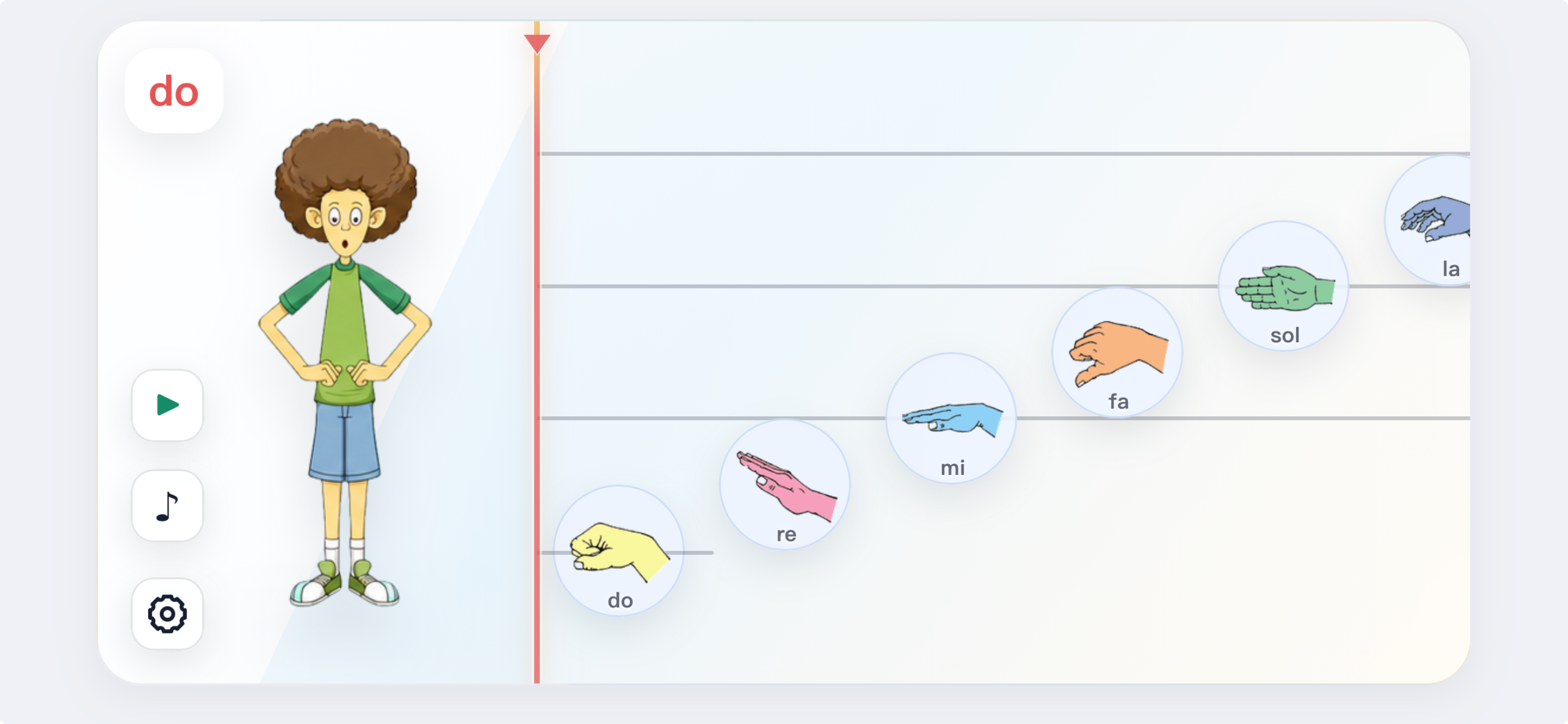
Solfa Hands keeps the singer, hand sign, and score in one landscape practice surface, so each pitch is tied to what students hear, say, see, and gesture.
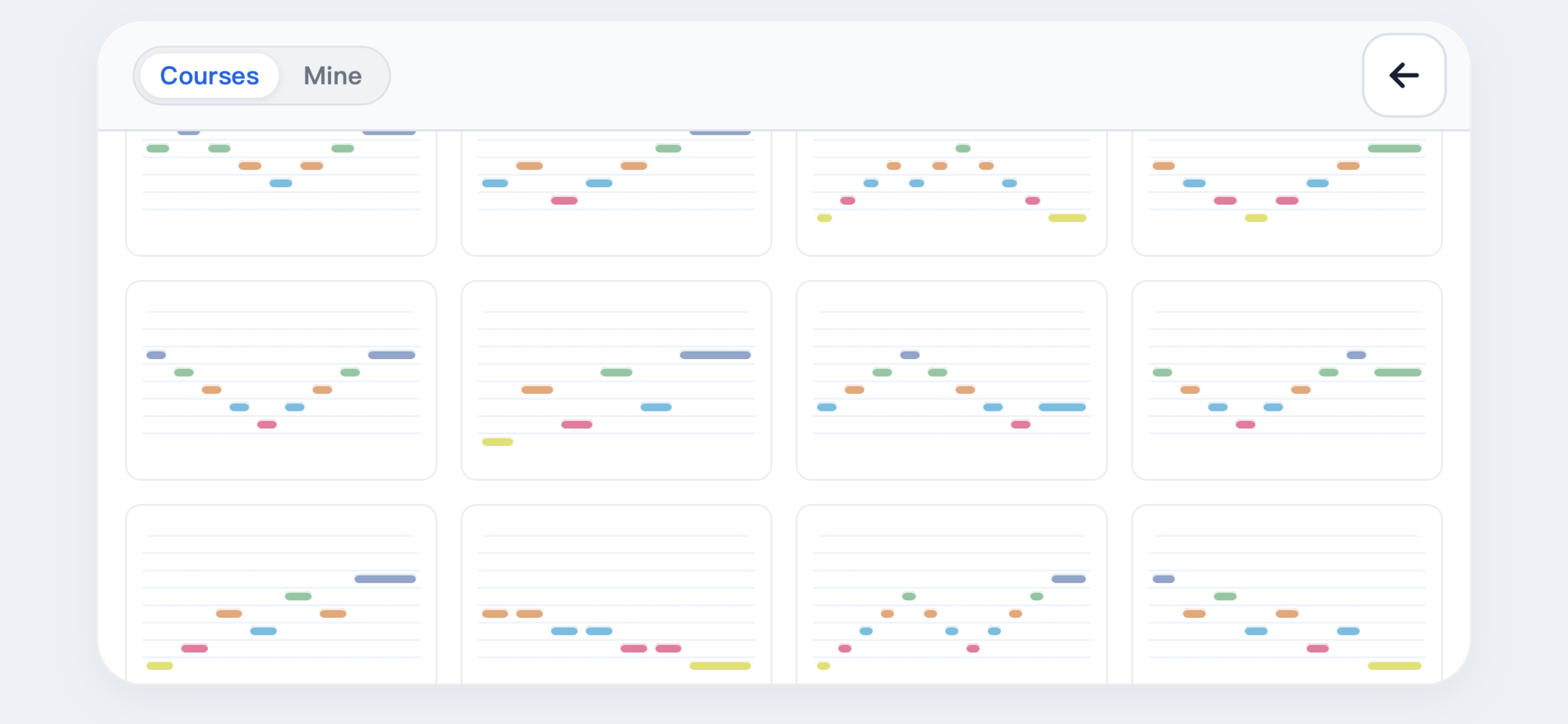
The built-in course library is organized around a Kodaly-style pitch progression. Students start with a small pitch set and add one new pitch at a time.
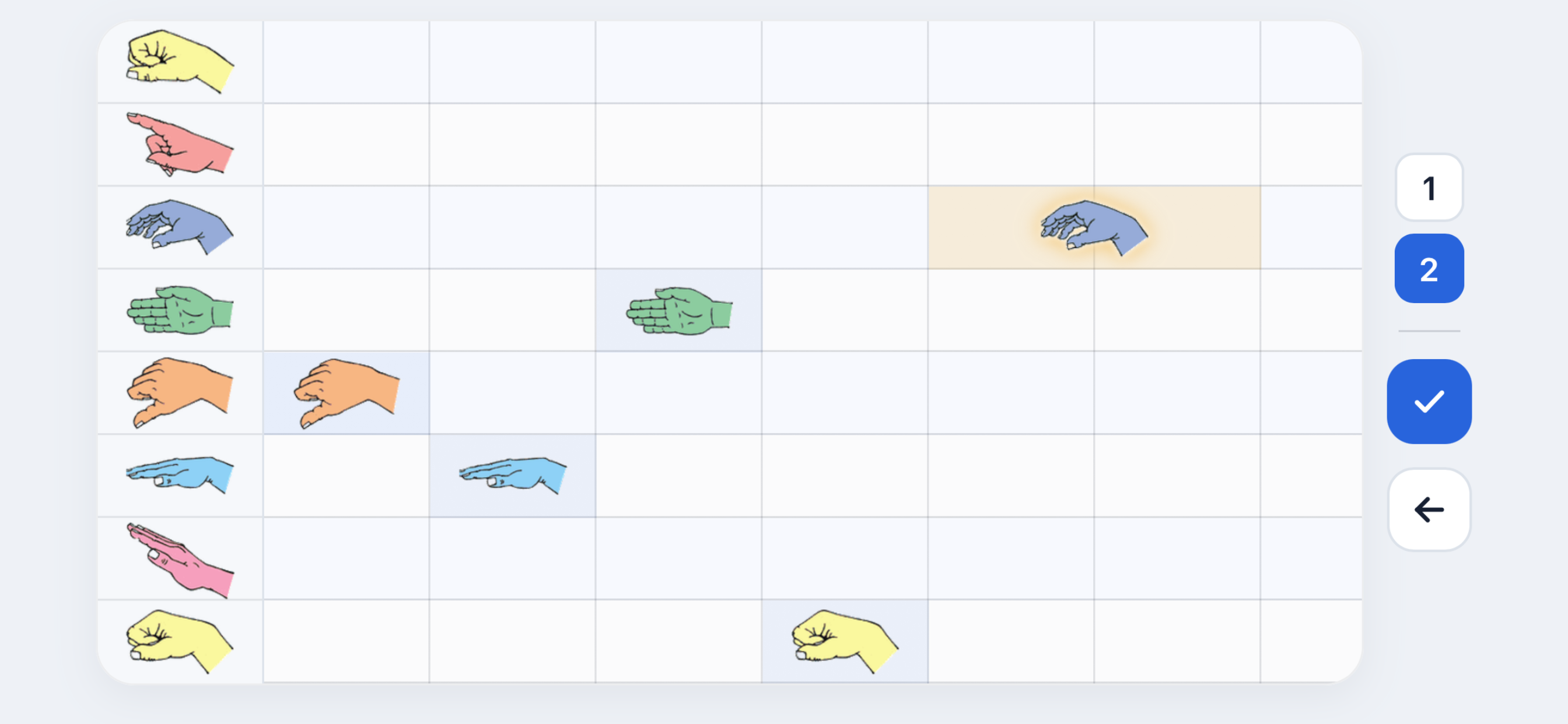
Use the Mine tab to start a new song, edit notes directly on the score, and keep saved songs locally on the device for later practice.
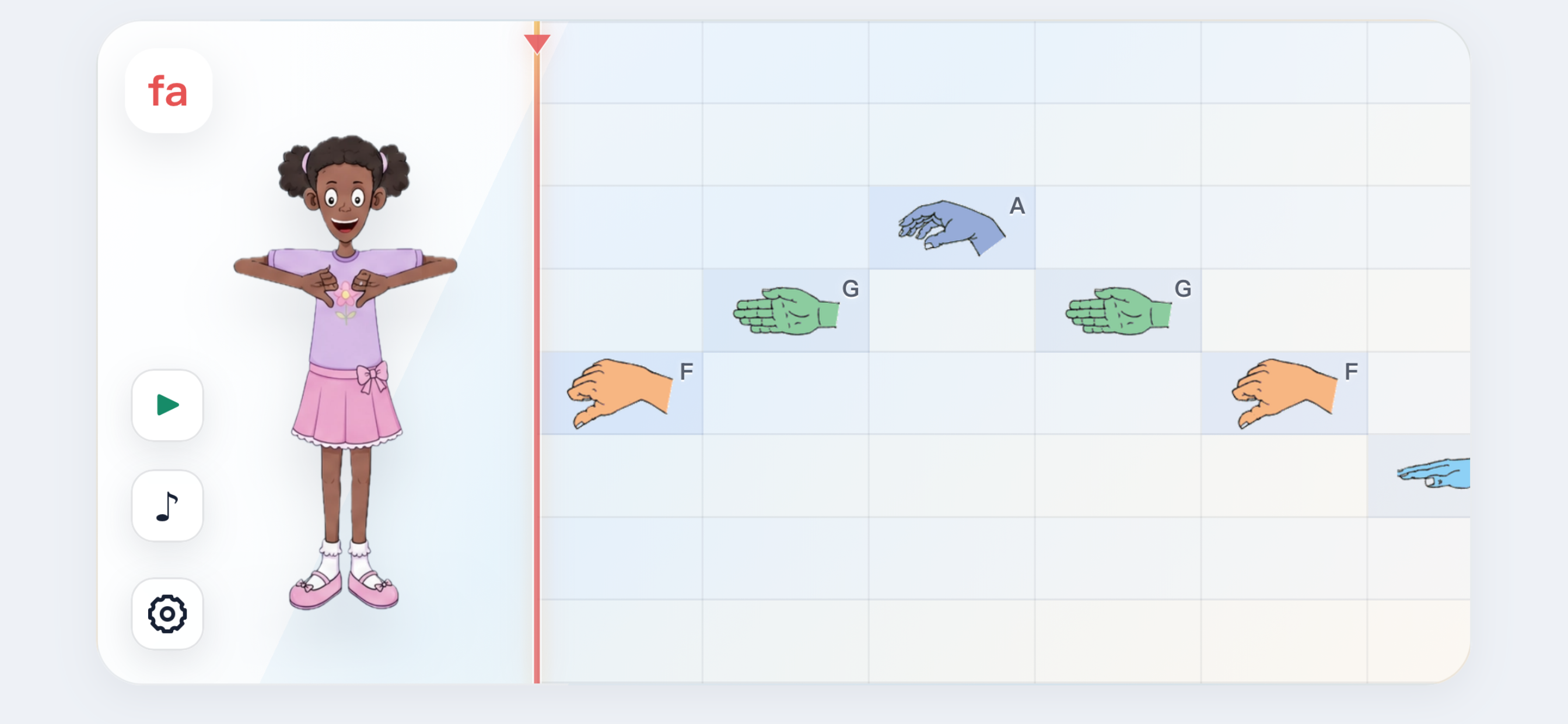
Connect solfege names, hand signs, and pitch movement in one view.
Use short staged exercises to guide beginner solfege practice.
Warm up with compact do-re-mi patterns and adjustable tempo.
Control labels, staff view, grid view, singer voice, and BPM.
Contact and support
Questions, purchase issues, sound problems, or song editor feedback can be sent directly to our support team.
We aim to respond within 24-48 hours during business days.
Use the same Apple ID that made the original purchase, then open the Full Access screen and tap Restore Purchase. If it still does not unlock, email us with your device model, iOS version, and approximate purchase date.
No. Full Access is a one-time Apple in-app purchase. It unlocks playback for custom songs and course songs from stage 3 onward.
Check device volume, silent mode, and Bluetooth output. Solfa Hands plays a four-beat count-in before the song starts, so also wait for the count-in to finish. If the issue continues, restart the app and include your device details when contacting support.
Yes. Open Songs, switch to Mine, tap the plus tile, add solfege notes with one- or two-beat durations, and save the song to your local history.
Stage 1 and stage 2 course songs are free to play. Course songs from stage 3 onward and playback of your custom songs require Full Access. You can still create, save, and load custom songs before unlocking.
No account is required. Current songs, custom song history, tempo, display, label, voice, and language settings are stored locally on your device.
Refunds are handled by Apple through the App Store payment system. We can help troubleshoot access and restore issues, but refund requests must be submitted through Apple.
Solfa Hands is a landscape iOS app for solfege hand-sign practice, course songs, custom songs, and full playback unlock through Apple in-app purchase.
iOS - Landscape - Hand Signs - Staff - Grid - Custom Songs - Full Access